
INSIGHTS · VIDEO SECURITY
How Many Cameras Does a Restaurant Need?
Count the areas you need to see, not the square metres. Most restaurants need one camera for each area below.
The Short Answer
List the places where money, food, guests and stock move. Put one camera on each. A counter-service restaurant usually ends up with six to eight areas. A drive-thru adds two or three more.
The Areas to Cover
- Tills. One view of every till, showing hands and the drawer.
- Kitchen and prep. To check food handling and settle complaints.
- Dining area. One or two views, depending on the shape of the room.
- Front door. Who comes in and when.
- Back door and deliveries. Where stock arrives and leaves.
- Storage and cash office. The places only staff should be.
What a Drive-Thru Adds
- Order point. The car and the guest at the speaker.
- Window. Payment and handover.
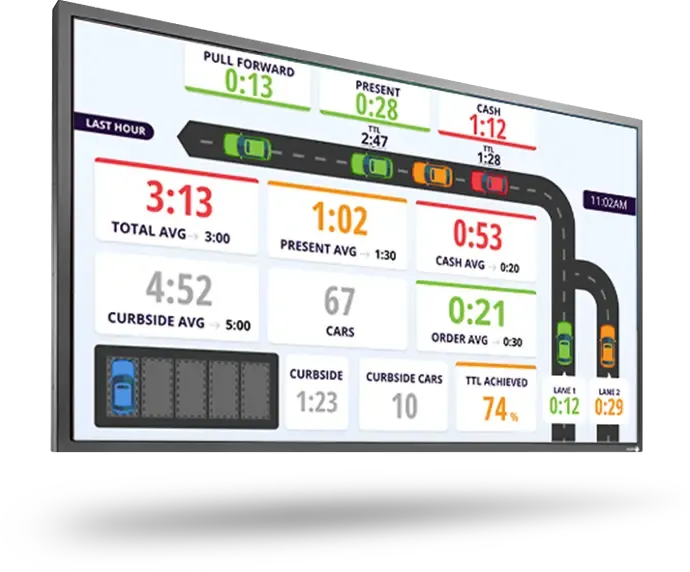
- The lane and car park. Queues, accidents and number plates.
What Changes the Number
- The shape of the room. Corners and pillars need extra views.
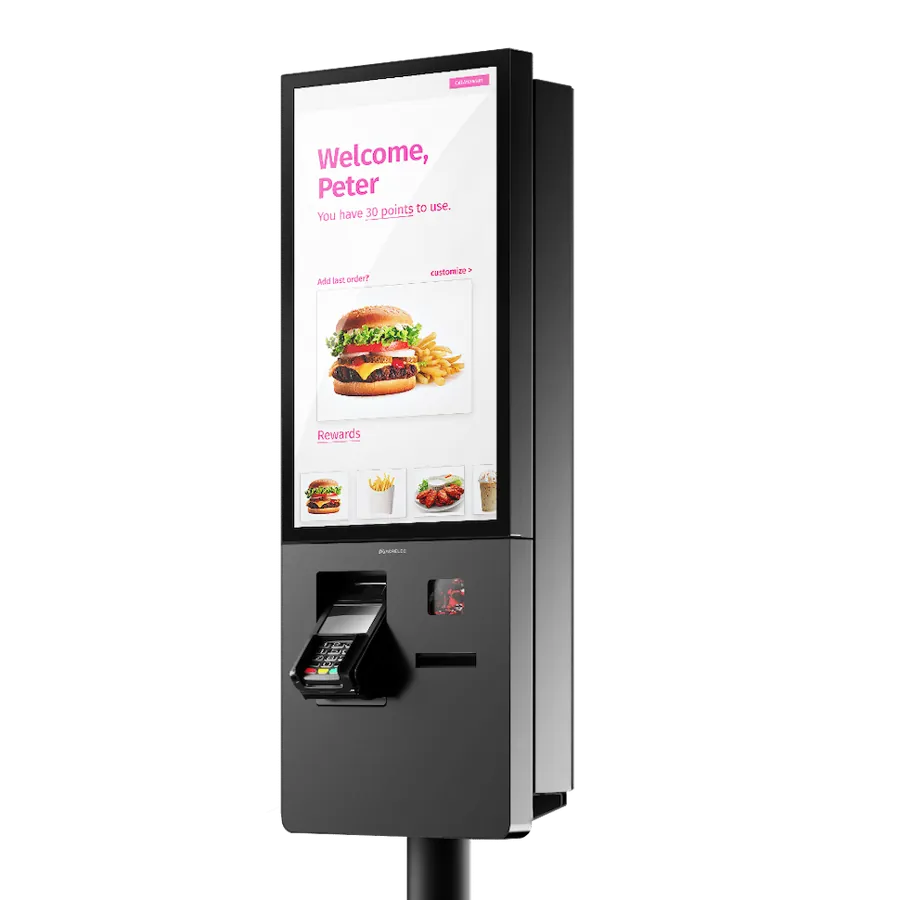
- Kiosks. Cover them like tills.
- Outdoor seating. One more view.
- How you use video. If you only want security, cover doors and tills. If you want to run the business with it, cover the kitchen and the lane too.
Before You Buy New Cameras
Check the ones you have. Cloud video works with many existing cameras, so a move to the cloud doesn't always mean new hardware.
One Branch or Many
With cloud video, the count per branch matters less than seeing all branches in one place. You log in once and move between restaurants.
Questions About Cameras
How many cameras does a small restaurant need?
Count the areas: tills, kitchen, dining room, front door, back door and storage. That's usually six to eight cameras for a counter-service restaurant.
How many more for a drive-thru?
Usually two or three: the order point, the window, and the lane or car park.
Do I need new cameras to move to cloud video?
Not always. Cloud video works with many existing cameras. Have yours checked first.